
Feature
AI mind map from PDFs
Turn chapters into a mind map so concepts connect at a glance.
Open a PDF → Document Studio → Mind map to organize topics by chapter.
Study with your own course materials
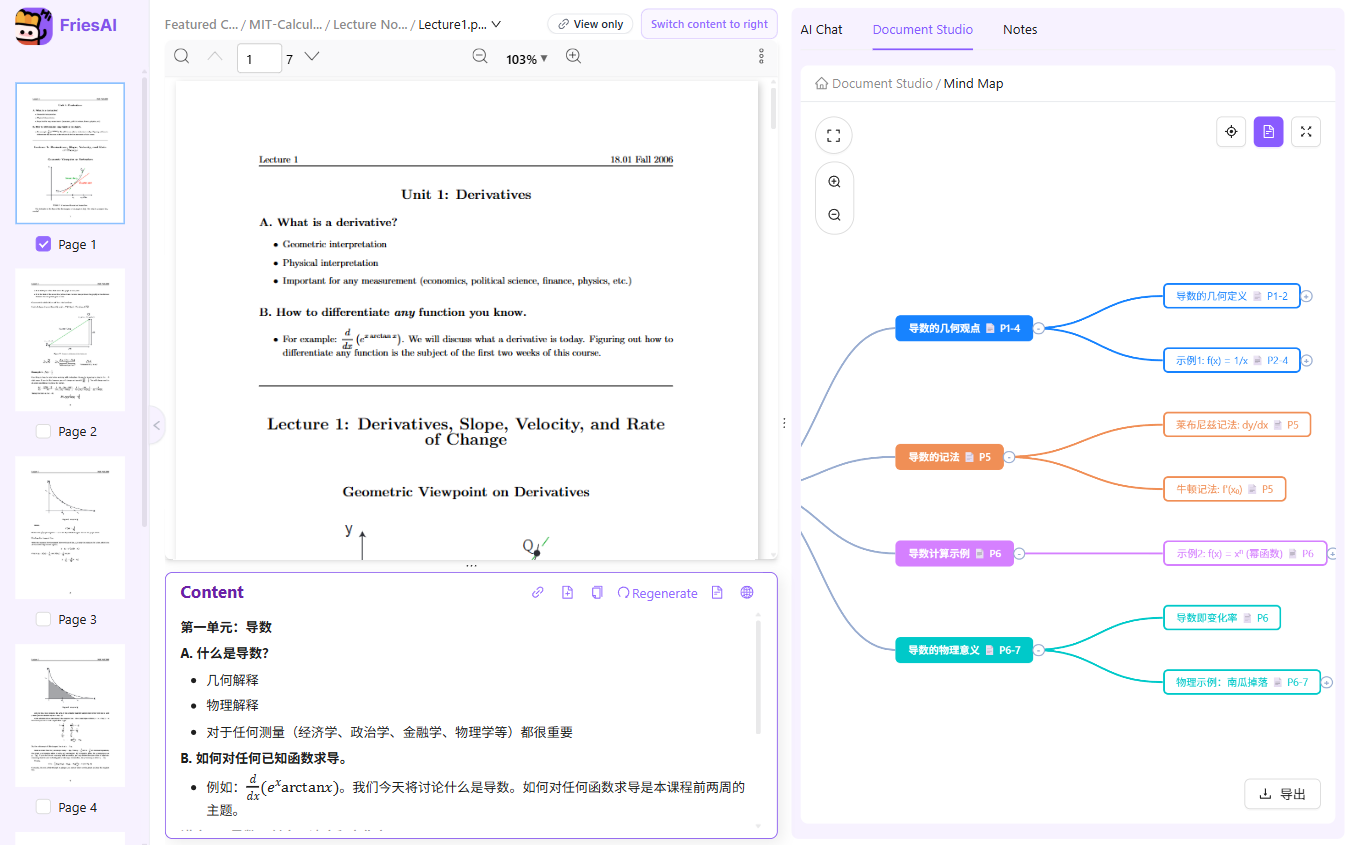
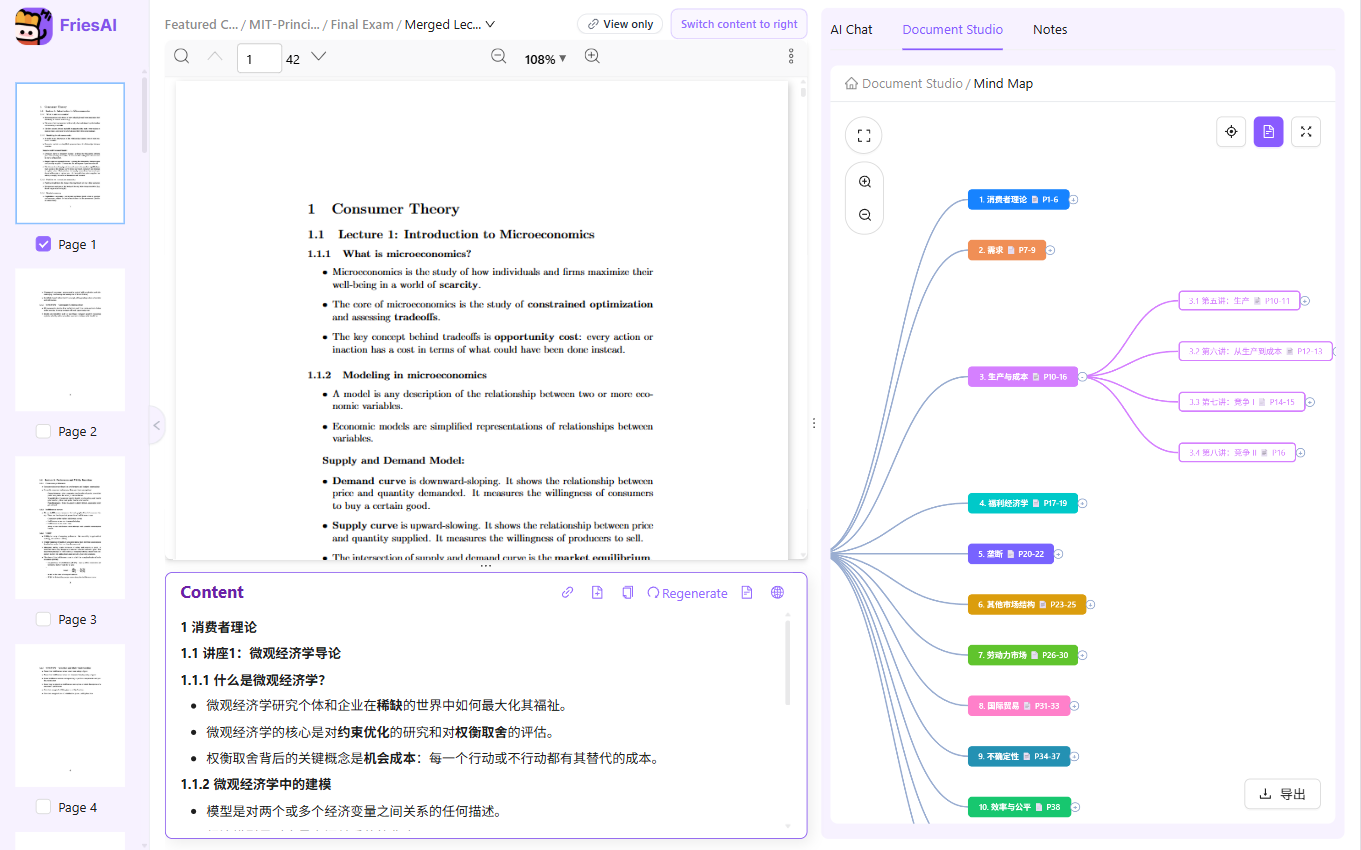
Turn a lecture PDF into a mind map to see how chapters, concepts, and subtopics fit together. Where a cheat sheet concentrates facts, a mind map emphasizes the shape of the material and helps you plan what to study next.
How to use it
- Open a lecture PDF, or choose a course folder for a broader overview.
- In Document Studio, select Mind map and generate from the selected materials.
- Explore the branches and compare the hierarchy with the source chapters.
- Use branches as revision prompts, then return to the PDF for explanations and examples.
When it helps
Use a calculus map to separate major topics before practicing questions, or an economics map to connect concepts spread across several lectures. It is particularly useful when you know individual facts but need an overview of the course.
Limits and review
AI-generated branches may group a concept differently from your professor or miss a relationship. Check the hierarchy and terminology against the original lectures. The map is an overview, not a complete replacement for the materials.
Paid AI tasks deduct US-dollar AI balance based on actual usage. Ordinary reading and note editing do not use AI balance. See pricing and free features
Live examples
Turn chapters into a mind map so concepts connect at a glance.
FAQ
Mind map vs Cheating Paper?
Mind maps emphasize structure and links; cheat sheets emphasize compact facts for quick lookup.
Can I merge maps from multiple PDFs?
Yes—folder-level Studio can combine mind maps across lectures.
Related features
Try it on your own course materials
Start for free